
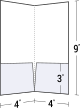

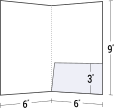
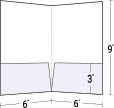
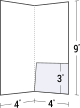

Free Presentation Folder Templates & Dielines
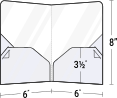
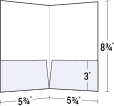
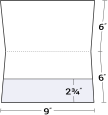
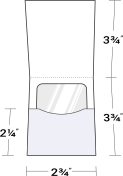
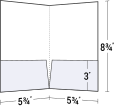
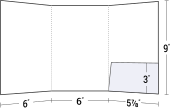
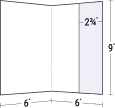
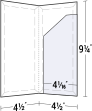
Download our free die-cut folder templates, featuring the technical dieline with exact cut, fold and slit marks for every presentation folder we manufacture. Choose from hundreds of layouts for standard and unique pocket folders, file folders and other document holders.
To download a free template directly from this page, click the download button above. For product information, pricing and quote options, click an image or description.
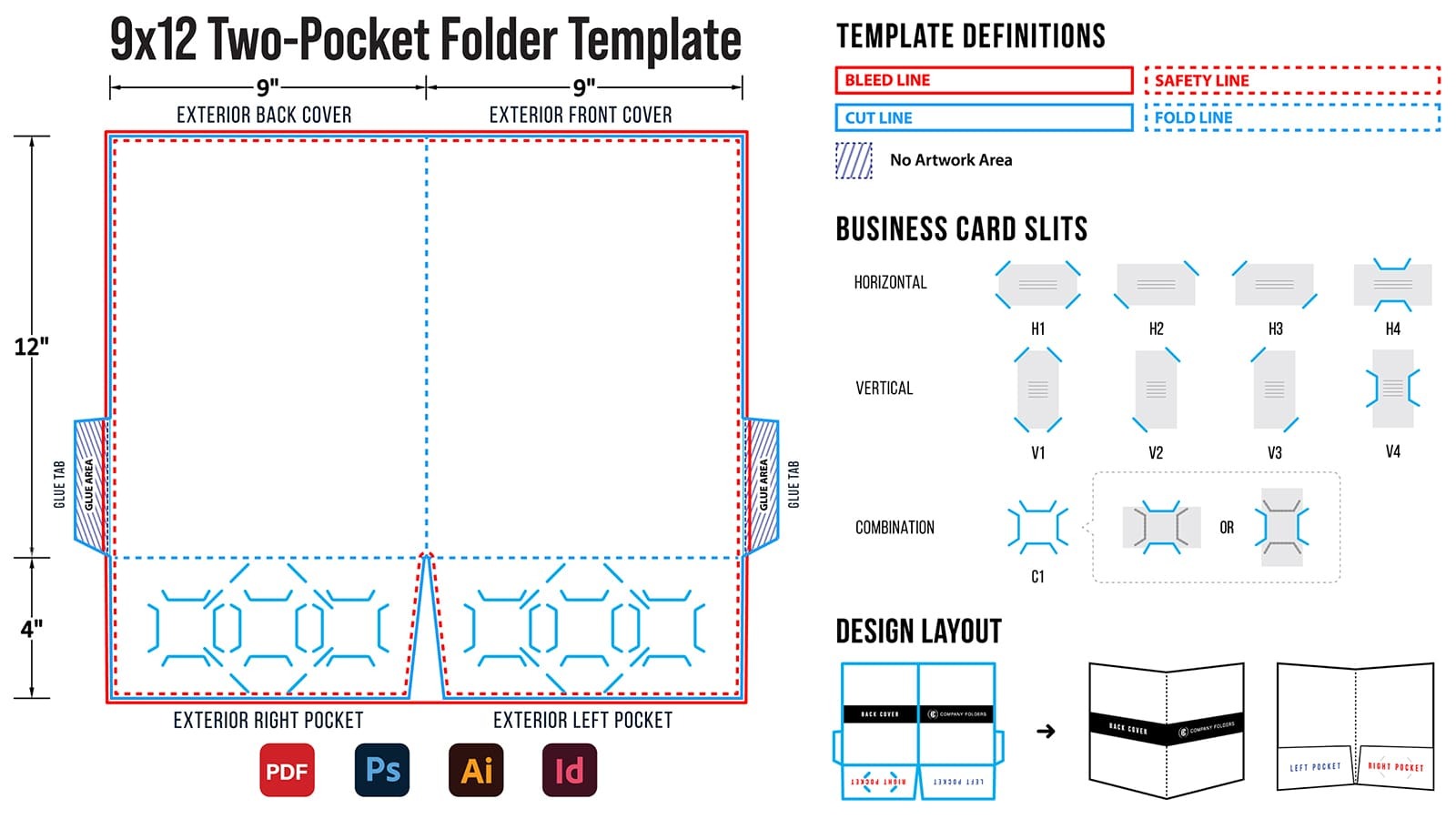
A die-cut folder starts as a flat sheet of paperboard that is cut, scored, folded and glued into shape. Designing on the corresponding template ensures precise alignment. Here's what a template looks like:
What's in each template download
Template contents are specific to each folder, with items including:
- Actual-size layout of the full unfolded folder, showing all cut, fold, bleed, safety, artwork, and glue areas.
- Business card slot options covering every slit option available for that folder.
- Separate layers for the die line, your artwork and printing tips.
- Visual guides that show slit styles, how the flat layout folds, and what each line means.
- Setup instructions and our Folder Design Cheat Sheet.
- Template files in common design formats, such as PDF, EPS, AI, PSD, and IDML.
Folder templates by size
- Letter size folder templates: folders for 8.5" x 11" pages, including the standard 9" x 12" pocket folder.
- Small folder templates: compact folders and holders, like 6" x 9" and 4" x 9" folders, wallet-style document folders, card holders and CD/DVD sleeves.
- Legal size folder templates: folders, file jackets and expanding styles for 8.5" x 14" documents.
Folder templates by pockets
- No-pocket folder templates: tab file folders, report covers, certificate covers and paper photo folders.
- 1-pocket folder templates: single right- or left-pocket folders, plus card holders.
- 2-pocket folder templates: the classic two-pocket layout in letter, legal and small sizes.
- 3-pocket folder templates: tri-panel and tri-fold folders with three pockets.
Most popular folder templates
- 9x12 Two-Pocket Presentation Folder (08-01): the standard letter-size folder.
- Tri-Fold 3-Pocket Folder (38-01): three panels for bigger packets.
- Tabbed File Folder with Pockets (08-22): a filing tab plus two pockets.
- Single Right-Pocket Folder (08-04): one pocket, letter size.
- Legal Size Two-Pocket Folder (14-01): 9.5" x 14.5" for legal documents.
- 6x9 Small Two-Pocket Folder (68-01): for half-sheet inserts and welcome kits.
- 4x9 Two-Pocket Presentation Folder (48-01): a compact two-pocket folder.
- 5" CD/DVD Sleeve (26-03): a single-disc sleeve.
How to set up your folder layout
- Open or place the template. In Illustrator, open the file directly and save your project under a new name. In InDesign or Photoshop, start a document about 22" x 20" for a standard folder and place the template on its own layer.
- Design on a separate layer. Don't draw on, delete, move or change the template layer that shows the die cut.
- Printing both sides? If your template doesn't include side 2, create a second file the same size and flip the template horizontally.
- Keep only the slits you're using. In Illustrator, ungroup the vector slits and delete the unused ones. In InDesign or Photoshop, trace the slits you need on a new layer with the line tool, since unused slits can't be cleanly removed from the rasterized template.
- Mind the bleed area and safe zone. Extend artwork that reaches the cut line into the bleed area, and keep important text, logos and other elements inside the safe zone and away from slits.
- Clean up before you send. Turn off any “Print Tip” layers, delete the “Instructions” layer, and don't use, rename or recolor the “dieline” swatch.
Full walkthrough with screenshots: instructions for using our die-cut templates. Before you upload, review our print-ready artwork checklist.
Dieline templates vs. design templates
The templates on this page are blank dielines. They show the folder's structure, not the artwork. If you'd rather start from a finished layout, our free presentation folder design templates are pre-designed and fully editable.
Printable folder templates for home and classroom use
Not printing with us? You're welcome to use these free, printable folder templates for DIY folders at home or in the classroom. Download a template, resize it to fit your paper, and print the dieline on your own printer. Then cut along the cut lines, fold along the score lines and glue where needed. Each template is the exact dieline for a folder we print, with its cut, fold and slit lines and glue areas marked.
Need help with a template?
Call our team at (248) 738-7600 during normal business hours, or send us a message.

Thanks for Downloading!
Need Project Advice?
We will help you find the best solution for your next print project.
Schedule a Free Consultation